


Explore Whipcare
Discover everything Whipcare has to offer — book services, manage your fleet, or grow your provider business.

Whipcare app preview

Use Whipcare as a Vehicle owner
Here's a step-by-step guide on how to book and complete your selected service.
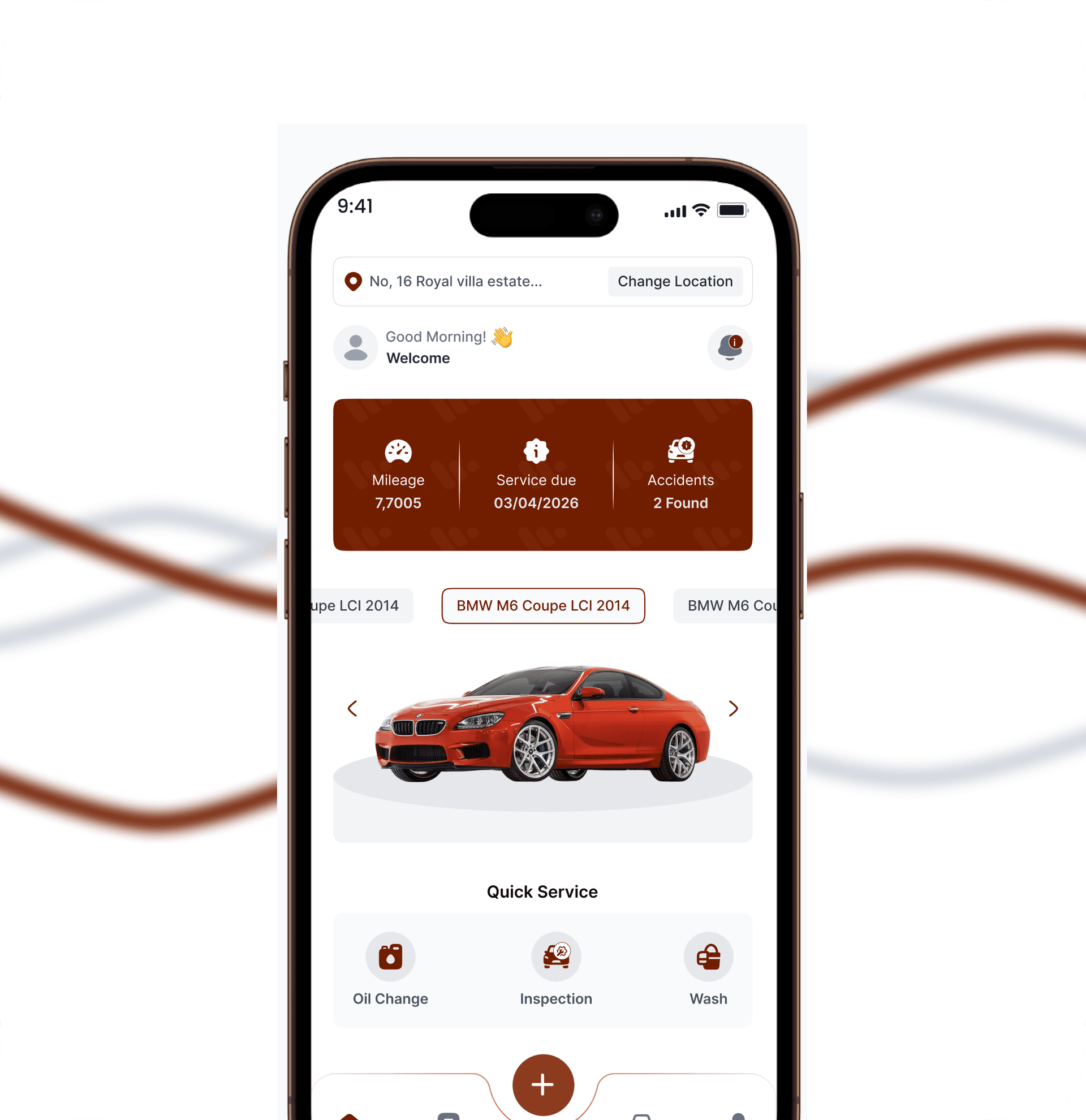
Book a Service
Choose your service and pick a time that works for you. Add any details the mechanic should know before arriving.
Receive Confirmation
Instant booking confirmation sent to your mail and in-app. Get reminders as your appointment approaches.
Get the Service
Know exactly where to go or track your provider as they head to you. Message your provider directly for real-time updates.
Make a Payment
Pay your way. Card, bank transfer, or Whip Point. All transactions are secure.
Review and Rate
After the service is completed, rate the provider and leave a review to help other users.
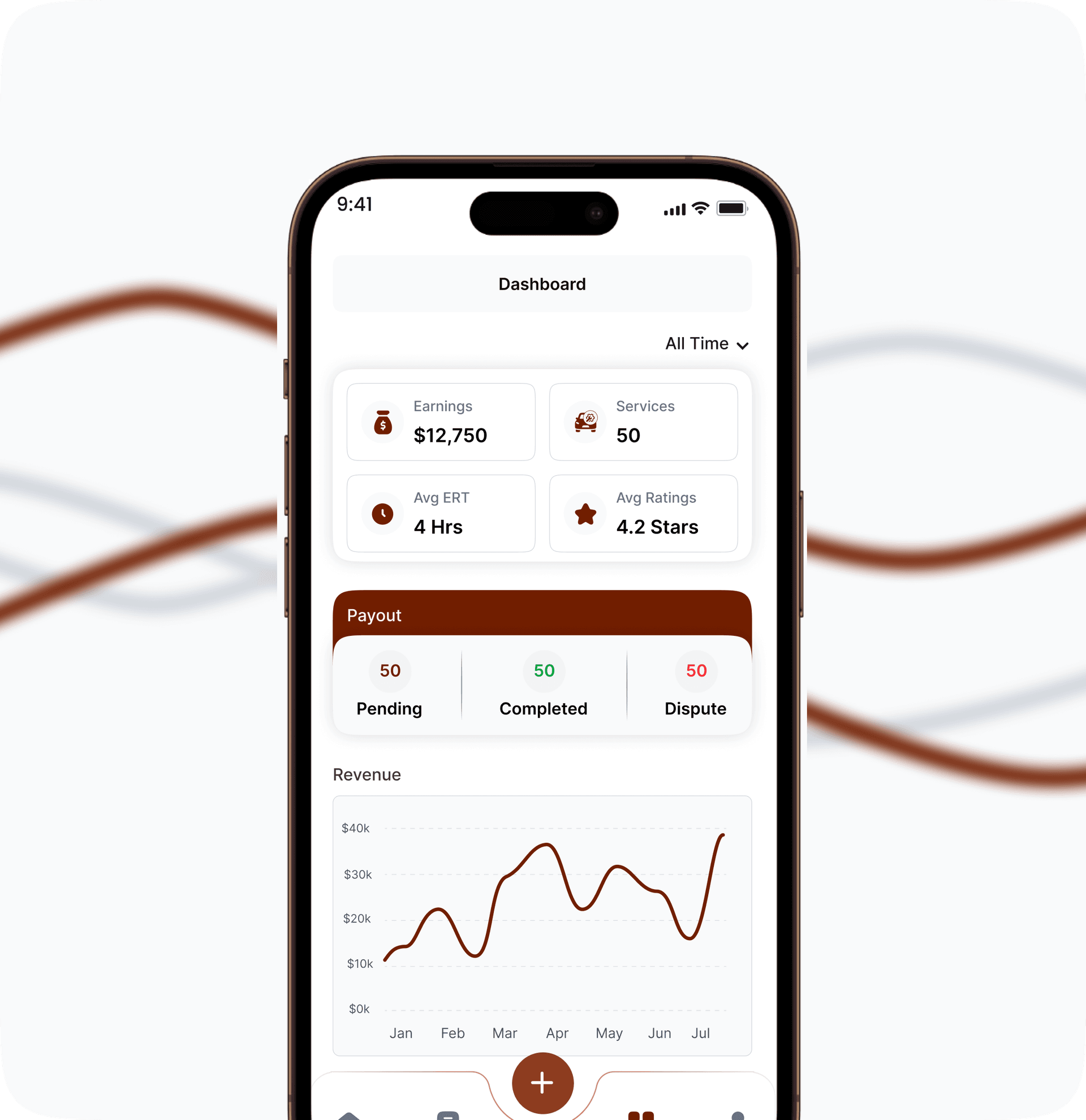
Use Whipcare as a Vehicle service provider
Here is a guide on how to manage bookings and earn as a service provider.
Accept and Manage Bookings
Stay in control of your schedule. Set your availability, respond to booking requests, and view every job detail.
Provide the Service
Arrive on schedule, carry out the service, and stay in touch with the customer throughout.
Receive Payment
Get paid securely after every job. Your earnings, reports, and transaction history are always at your fingertips.
Get Reviewed
Great service earns great reviews. Use customer feedback to build your reputation on Whipcare.
Your Vehicle, Our Care
Sign up with your email and get informed about discounts, Whipcare tips and exciting features coming your way!
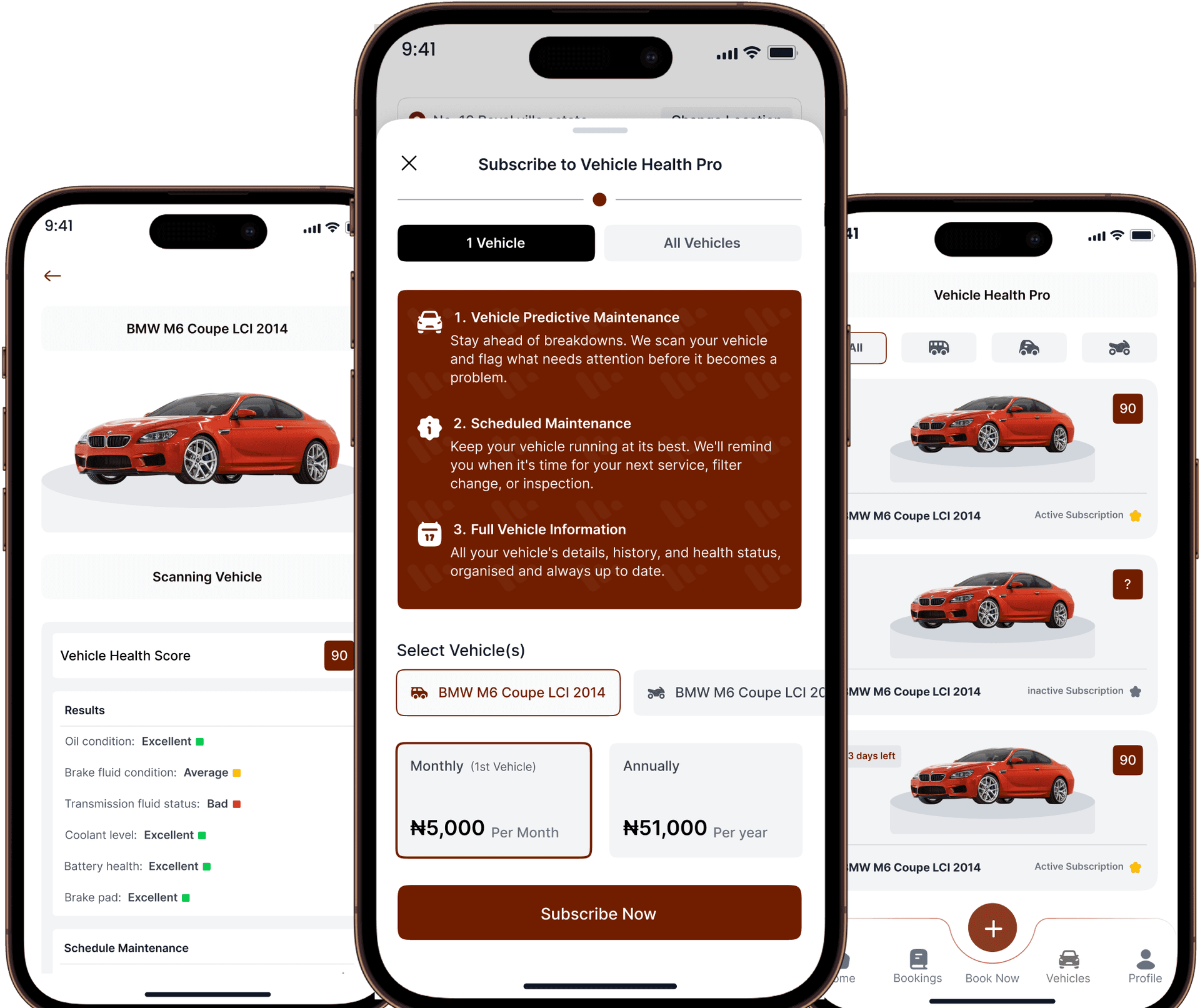
Vehicle Health Pro
Vehicle Predictive Maintenance
Stay ahead of breakdowns. We scan your vehicle and flag what needs attention before it becomes a problem.
Scheduled Maintenance
Keep your vehicle running at its best. We'll remind you when it's time for your next service, filter change, or inspection.
Full Vehicle Information
All your vehicle's details, history, and health status, organised and always up to date.